Creating a Deal in HubSpot CRM
Overview
This guide provides a detailed walkthrough for creating and managing deals in HubSpot CRM. By following these steps, you'll efficiently manage your sales pipeline and customer relationships.
Ensure you have access to HubSpot CRM and are familiar with its basic interface.
Step-by-Step Process
Access HubSpot CRM
- Navigate to https://hubspot.com/
- Go to: CRM > Deals section
Initiate Deal Creation
Click the "Create deal" button to start the process.
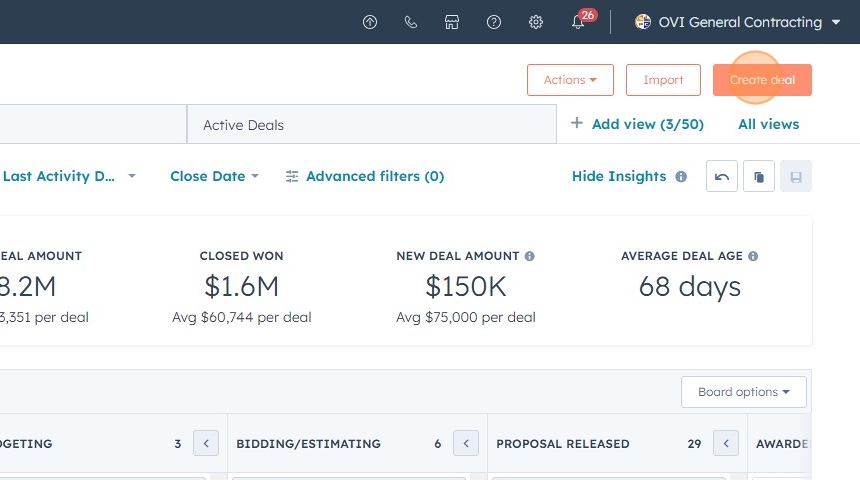
Enter Deal Details
Follow these steps to input essential deal information:
- Deal Name: Specify a clear and descriptive name
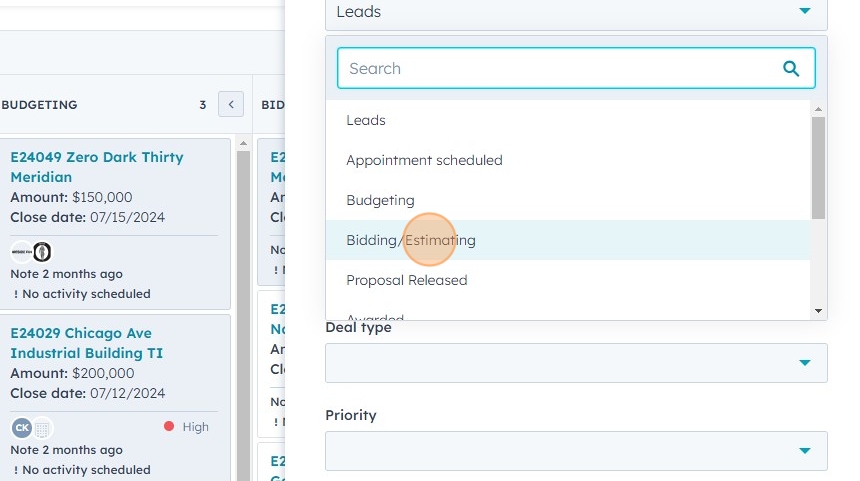
- Deal Stage: Choose the appropriate stage from the dropdown menu

:::example Example
If the opportunity originated in Building Connected, select "Bidding/Estimating" to advance the deal to the correct phase.
 :::
:::
-
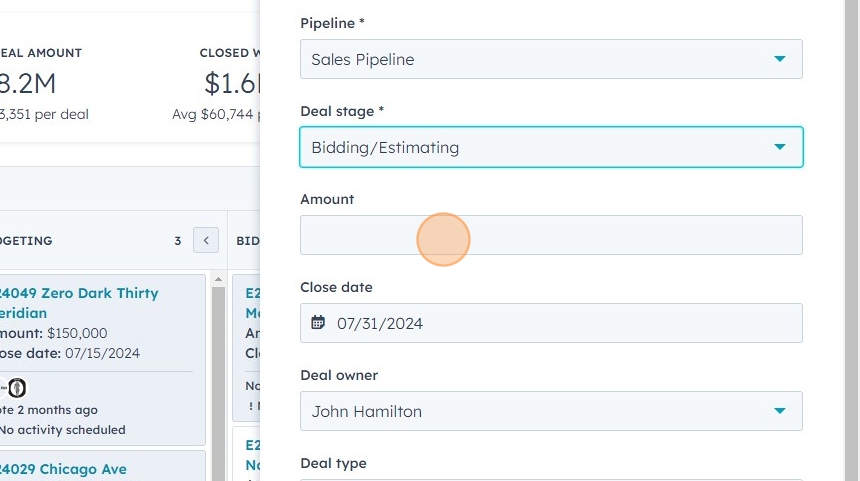
Deal Amount: Enter the rough order of magnitude (ROM) estimated value
-
Close Date: Set the date when the estimate is due for submission
- Click the "Close date" field
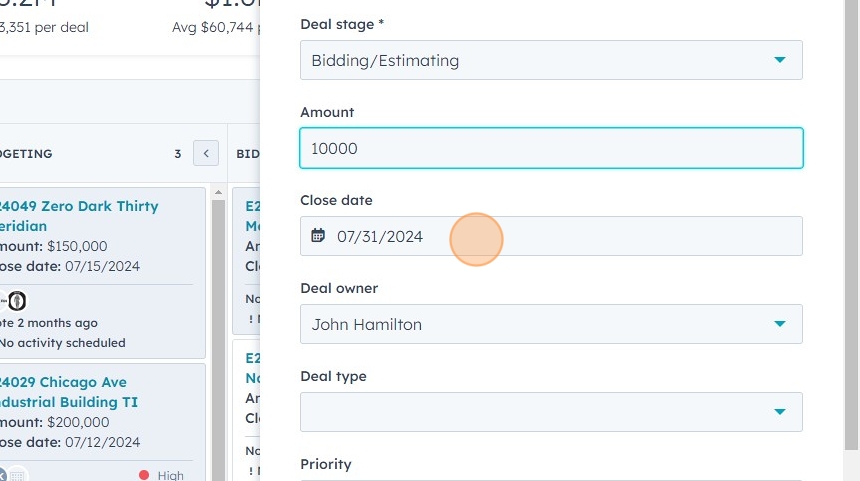
- Use the fly-out calendar to select the due date

- Click the "Close date" field
-
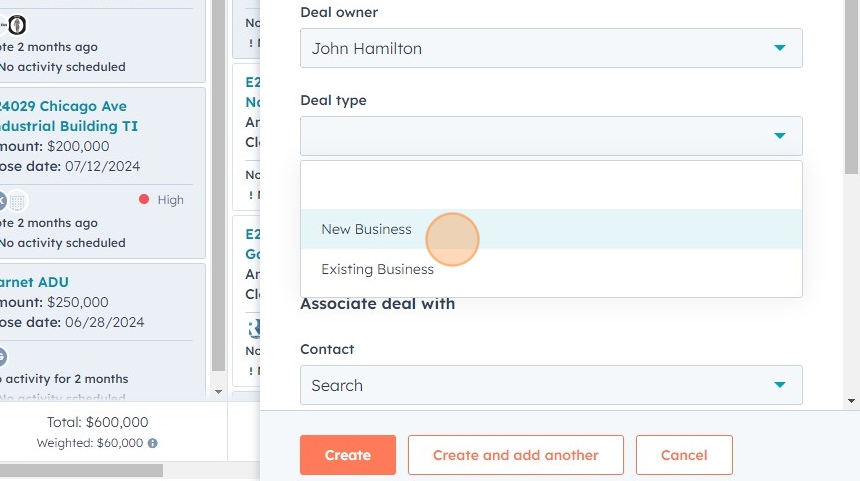
Deal Type: Specify the type of deal (e.g., New Business)
-
Primary Contact: Link the deal with the primary customer contact

The primary contact's information will be used to populate the contract if the deal is awarded.
- Create the Deal: Click the "Create" button to finalize

Adding Additional Contacts
To facilitate easier follow-up operations, you can add more contacts from the client organization to the deal.
- Step 1: Access Contact Addition
- Step 2: Create New Contact
- Step 3: Enter Contact Details
- Step 4: Apply Contact Information
- Step 5: Finalize Contact Addition
Click the "Search contacts" field to begin adding a new contact.

If the contact doesn't exist in your HubSpot database, click "Create new".

- Enter email, first name, and last name:
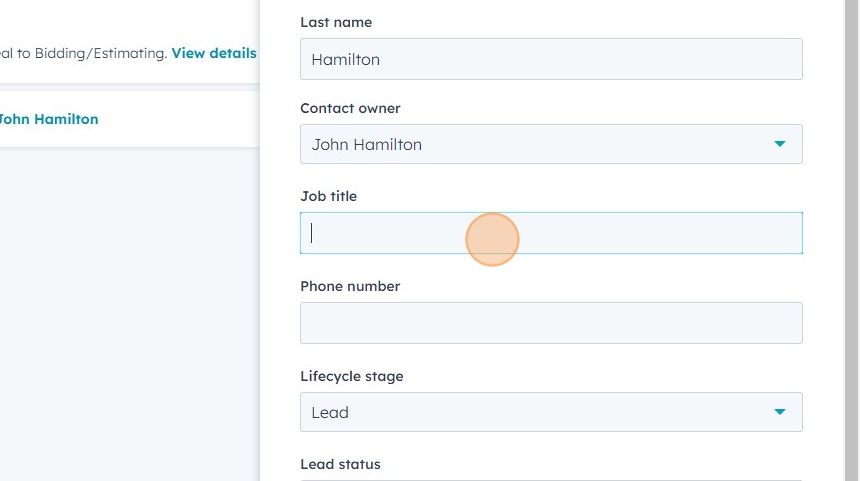
email@example.com [[tab]] FirstName [[tab]] LastName - Add job title
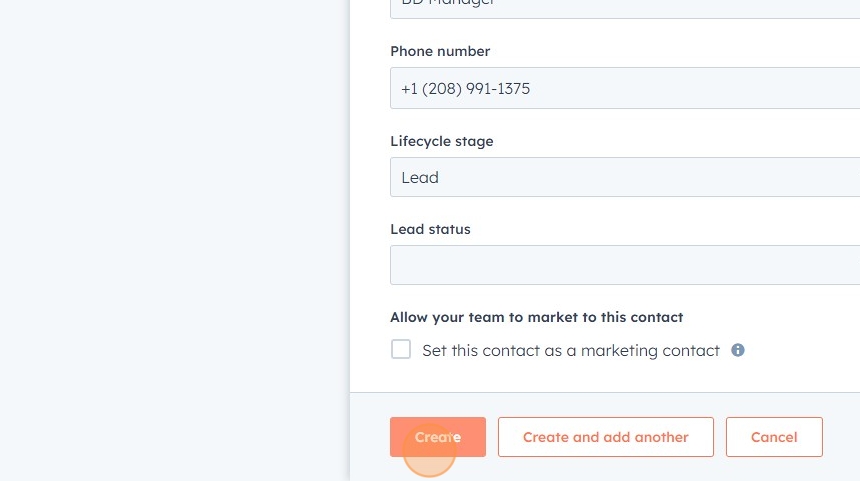
- Enter phone number
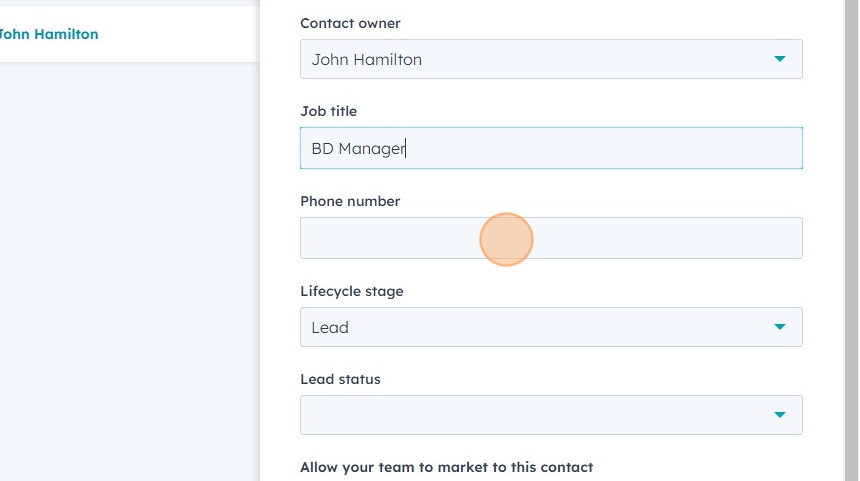
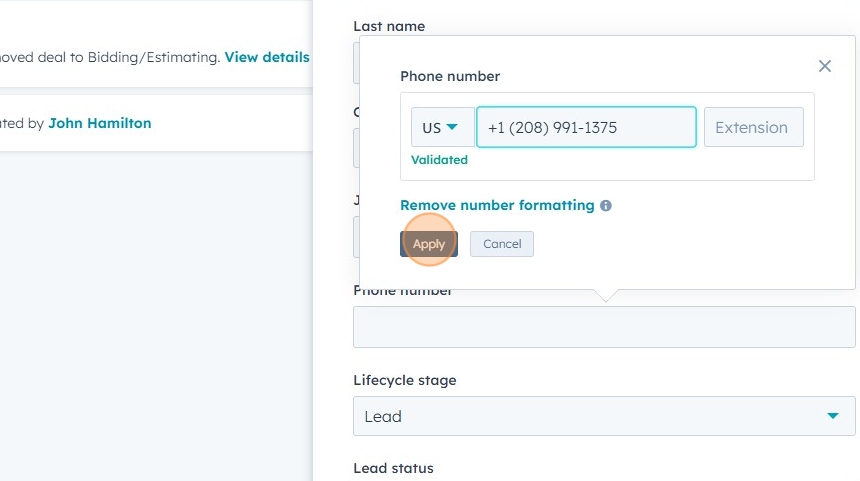
Click "Apply" to add the contact information to the deal.
Click "Create" to finalize adding the new contact to the deal.
Best Practices
To maximize the effectiveness of your deal management in HubSpot CRM, consider the following best practices:
- Comprehensive Contact Association: Add all relevant client contacts to the deal.
- Accurate Phone Number Formatting: Use consistent formatting for phone numbers to facilitate automation.
- Primary Contact Information Accuracy: Ensure primary contact details are up-to-date for potential contract population.
- Regular Updates: Keep deal information current throughout the sales pipeline.
- Utilize Deal Stages: Accurately reflect each deal's position in your sales process.
- Detailed Notes: Record important details about conversations, meetings, or decisions.
- Task Creation: Create and assign tasks within the deal for timely follow-ups.
- Document Attachment: Attach relevant documents directly to the deal for easy access.
- Use Custom Properties: Work with your HubSpot administrator to create custom properties for unique data points.
- Regular Review: Implement a process for regularly reviewing and cleaning up your deals.
By following these steps and best practices, you'll create a robust and efficient deal management process in HubSpot CRM, enhancing your sales pipeline management and customer relationships.